
The launch is framed as a joint enablement between Google’s Gemini software and Samsung’s latest Galaxy hardware, starting in beta on the Pixel 10, Pixel 10 Pro, and Samsung Galaxy S26 series devices in the United States and South Korea. On Samsung phones, Gemini must be set as the default digital assistant in Android settings to activate the full automation behavior, reinforcing its role as the core intelligence layer rather than just another app. This integration aims to streamline task-oriented functionalities across various applications.
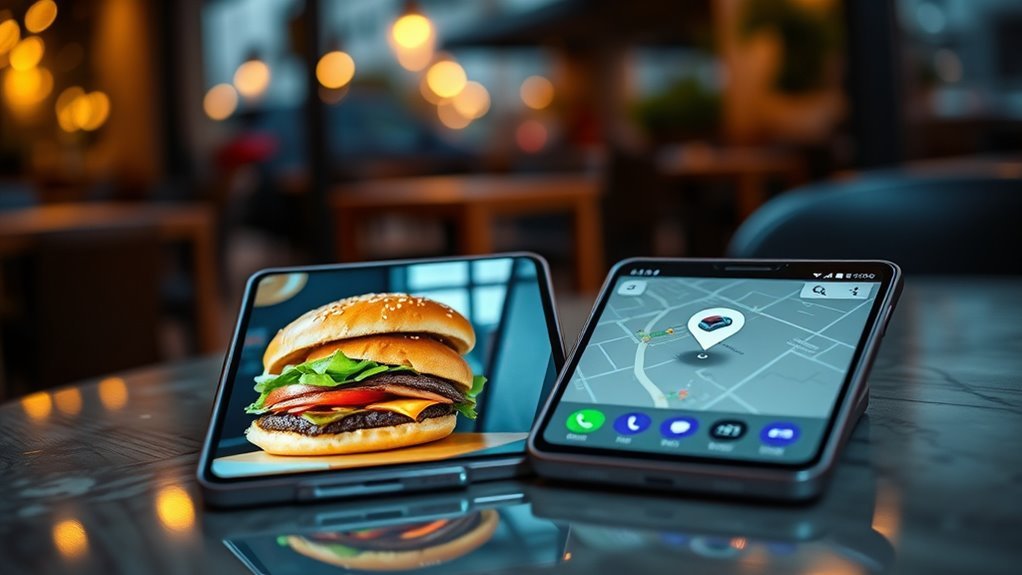
Demonstrations around the Galaxy S26 Ultra and Google’s Android updates show Gemini autonomously ordering meals and rides inside supported apps via screen automation, with the phone effectively becoming a host for agentic behavior that spans multiple services. The feature is presented as experimental, with early access positioned as part of launch events and support documentation pointing to a March 2026 beta rollout.
Availability at launch is deliberately narrow. The capability is explicitly described as a beta feature on a handful of recent Android phones, underscoring that not all apps or devices will support it at first. The automation capability lives inside the Gemini app on Android and is restricted to select devices, excluding older hardware that lacks the required system integrations. Access is limited to users in the U.S. and Korea, with eligibility tied to age and account type, and the feature labeled as an early beta or Labs-style experiment in several Samsung-focused reports.
Within that scope, Gemini targets high-friction service categories where multi-step flows are common: food delivery, grocery shopping, and rideshare bookings. Supported apps in the United States and Korea include DoorDash, Grubhub, Instacart, Lyft, McDonald’s, Starbucks, Uber, and Uber Eats, while Korean market support extends to regional offerings such as Baemin and Kakao T. Google’s messaging emphasizes that more apps will be added over time as the company validates reliability, safety, and partner integrations.
Technically, Gemini’s automation relies on screen-level control rather than deep integrations, typically invoked by long-pressing the phone’s power or side button and issuing a natural-language command. After generating an action plan, Gemini executes navigation steps in a virtual window, while the user reviews changes and confirms checkout or booking. This approach positions Android as a platform for agentic AI that produces verifiable outcomes.